
Covenant Eyes Promo Code QUITNOW: 30 Days Free
Affiliate disclosure: I am an independent Covenant Eyes affiliate, not an employee or official representative. I earn a commission from qualifying signups using QUITNOW, including when you use the code without clicking an affiliate link.
Your first 30 days free
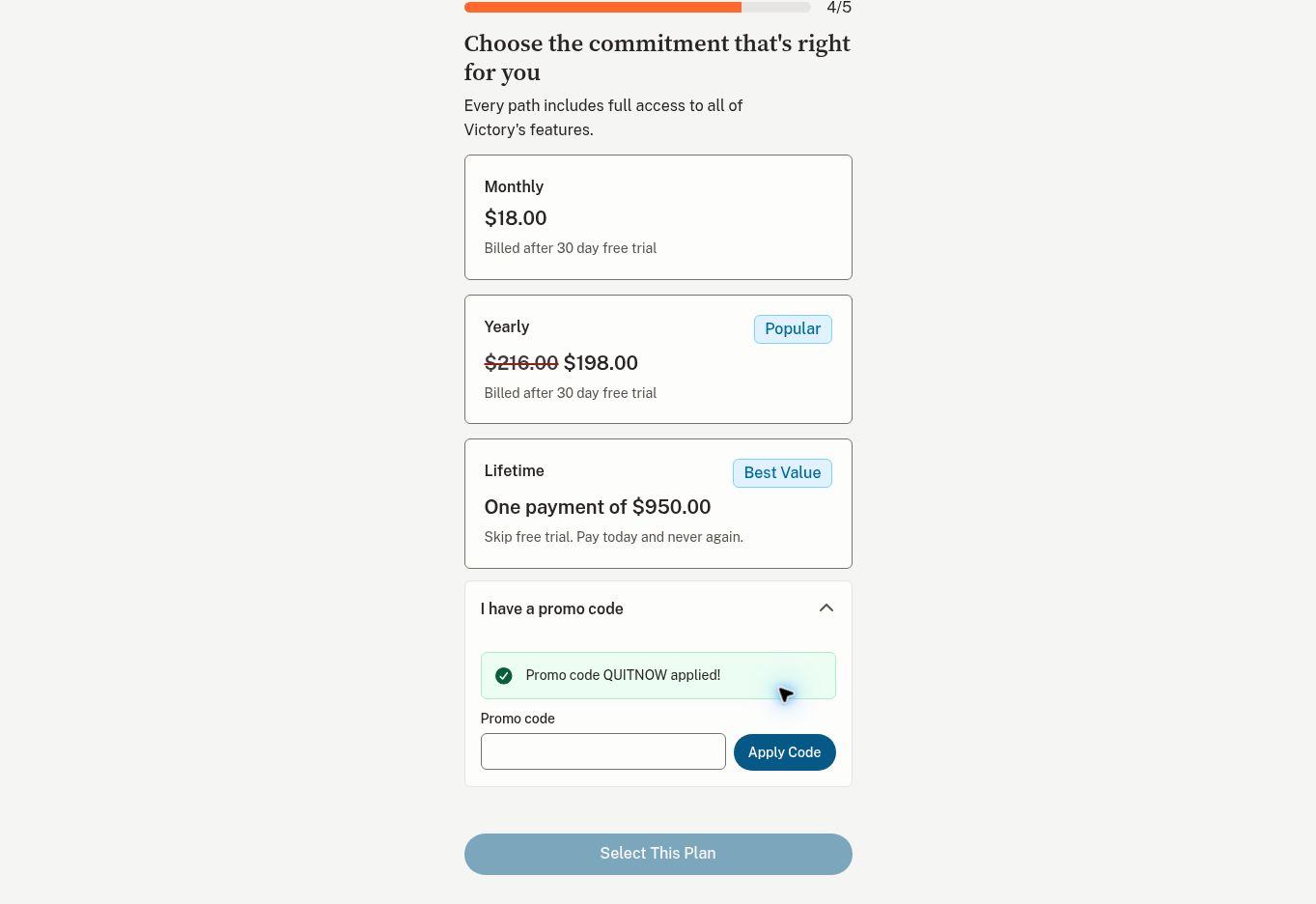
Try Victory by Covenant Eyes free for your first 30 days using promo code:
- Offer
- First 30 days free
- Redeem
- During web signup
- Renewal
- Paid subscription after trial
- Code expiration
- No known expiration date
Use the code during web signup. Before completing registration, confirm that the checkout shows the trial and review when your paid subscription starts.
How to use Covenant Eyes promo code QUITNOW
- Open Covenant Eyes in your web browser. Select “Try Victory Free” on the homepage rather than subscribing through an app store.

Live homepage captured November 23, 2026. - Select Start Free Trial. The welcome screen currently describes a standard 7-day trial. Applying QUITNOW at the plan step extended the trial to 30 days in our live check; confirm the same before completing your signup.
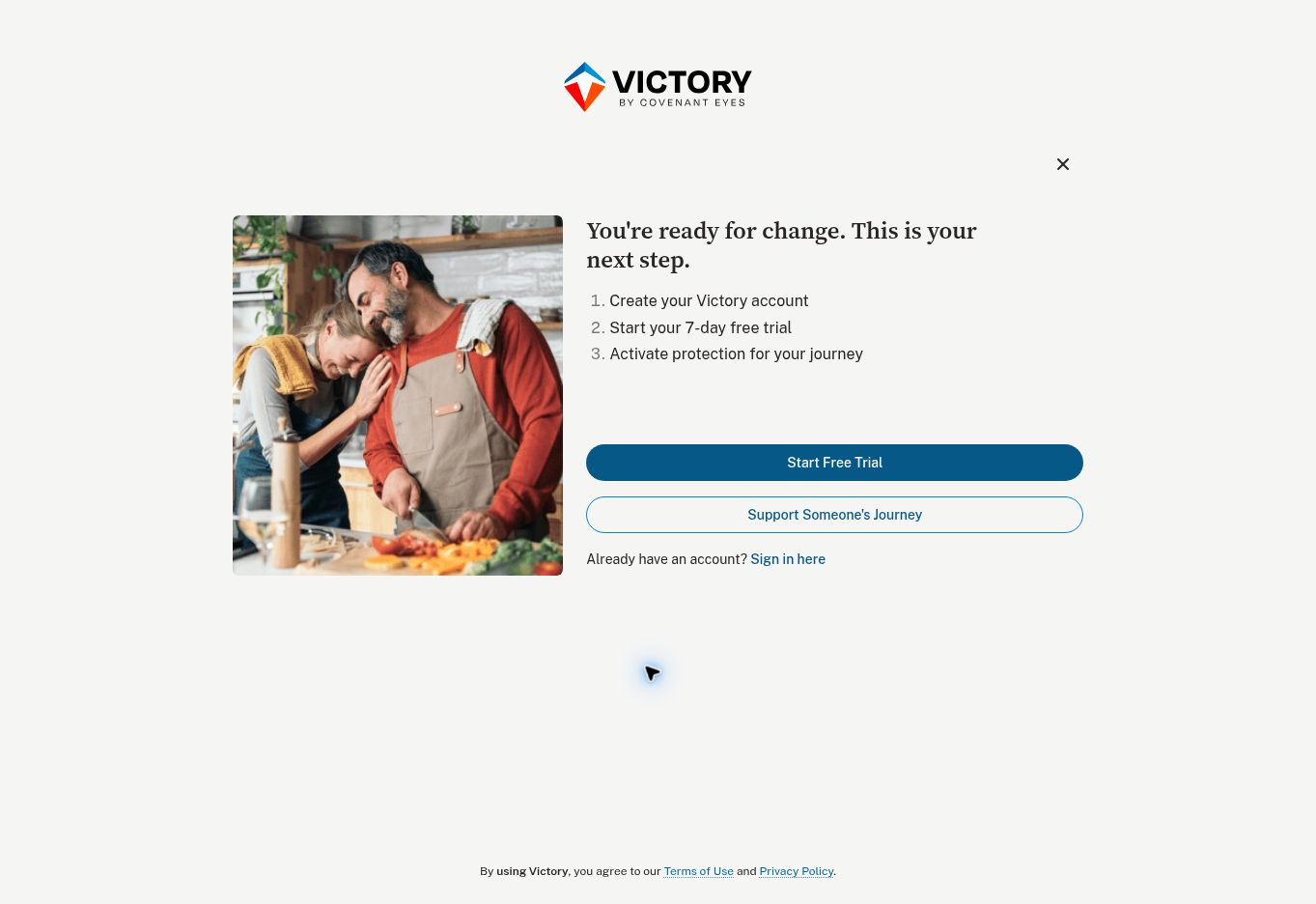
Live welcome screen. This does not show QUITNOW applied. - Verify your email. Enter your email and select “Send Verification Code.” Complete verification using the message Covenant Eyes sends you, then follow the account-setup prompts.
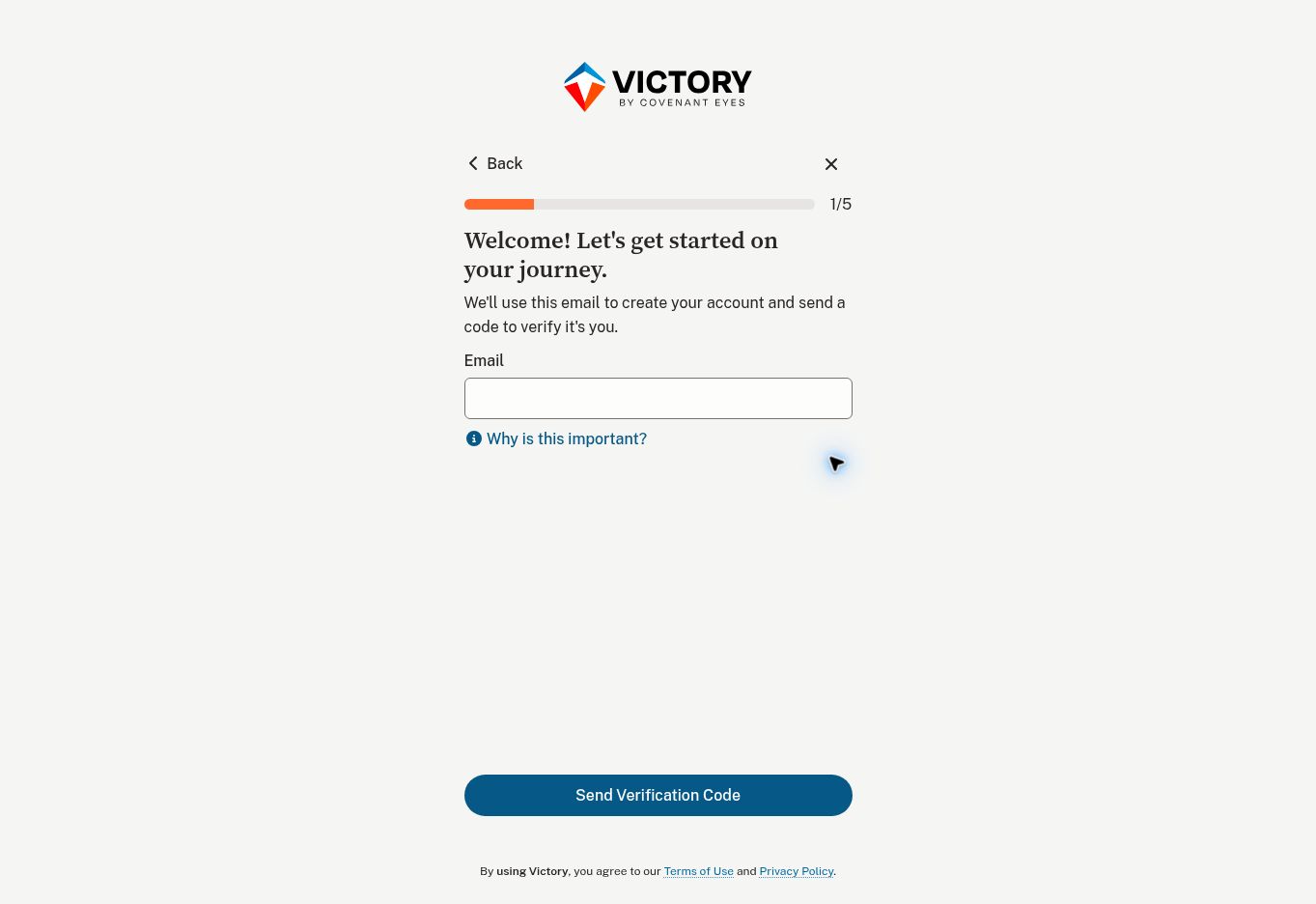
Live signup step 1 of 5, captured with an empty email field. - Create your username and password, then review the plans. The live flow showed Monthly, Yearly, and Lifetime options. The Lifetime option skips the trial. Choose an eligible recurring subscription for the trial offer.
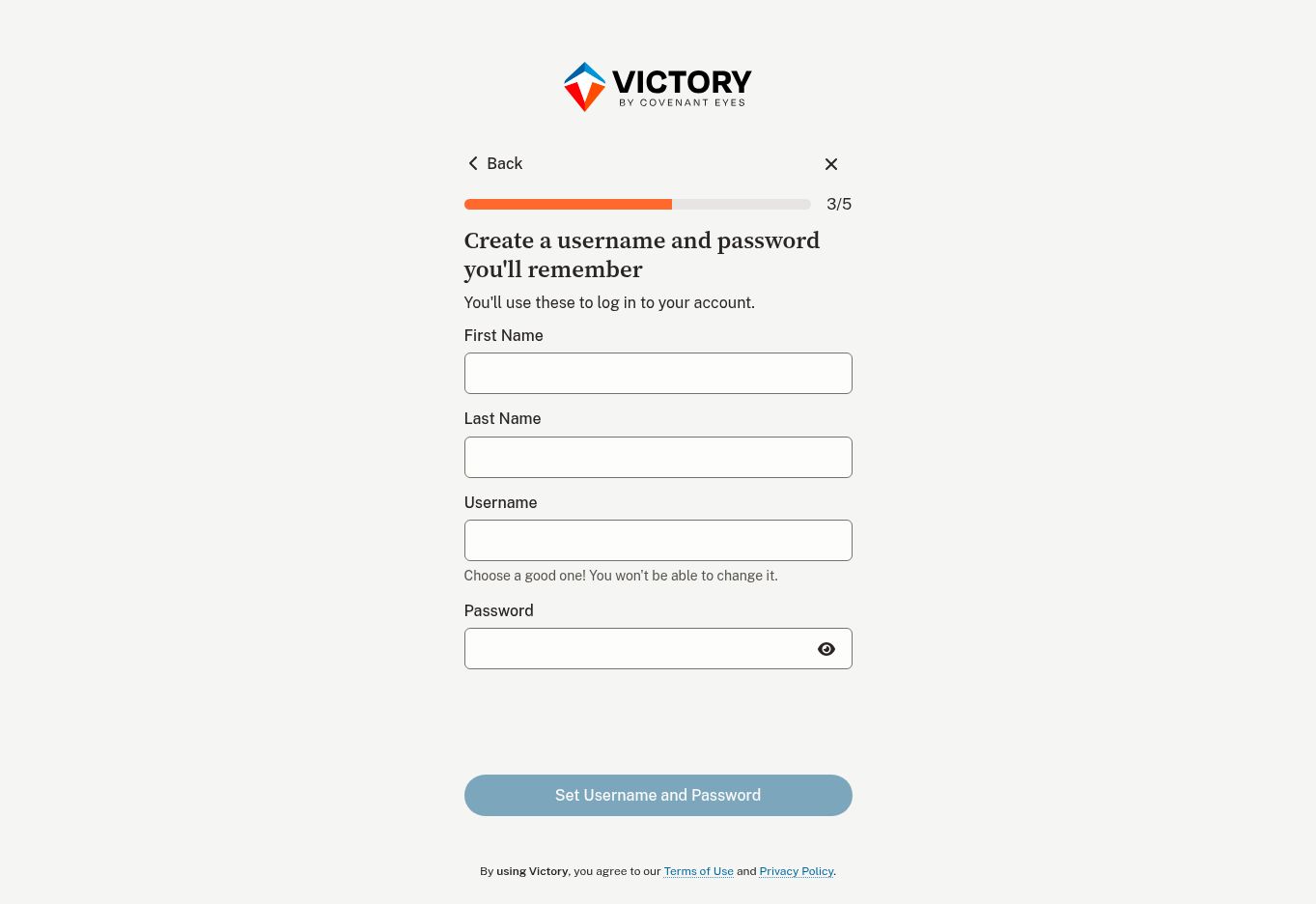
Create your credentials after email verification. - On the plan screen, expand “I have a promo code.” Enter QUITNOW and select Apply Code.
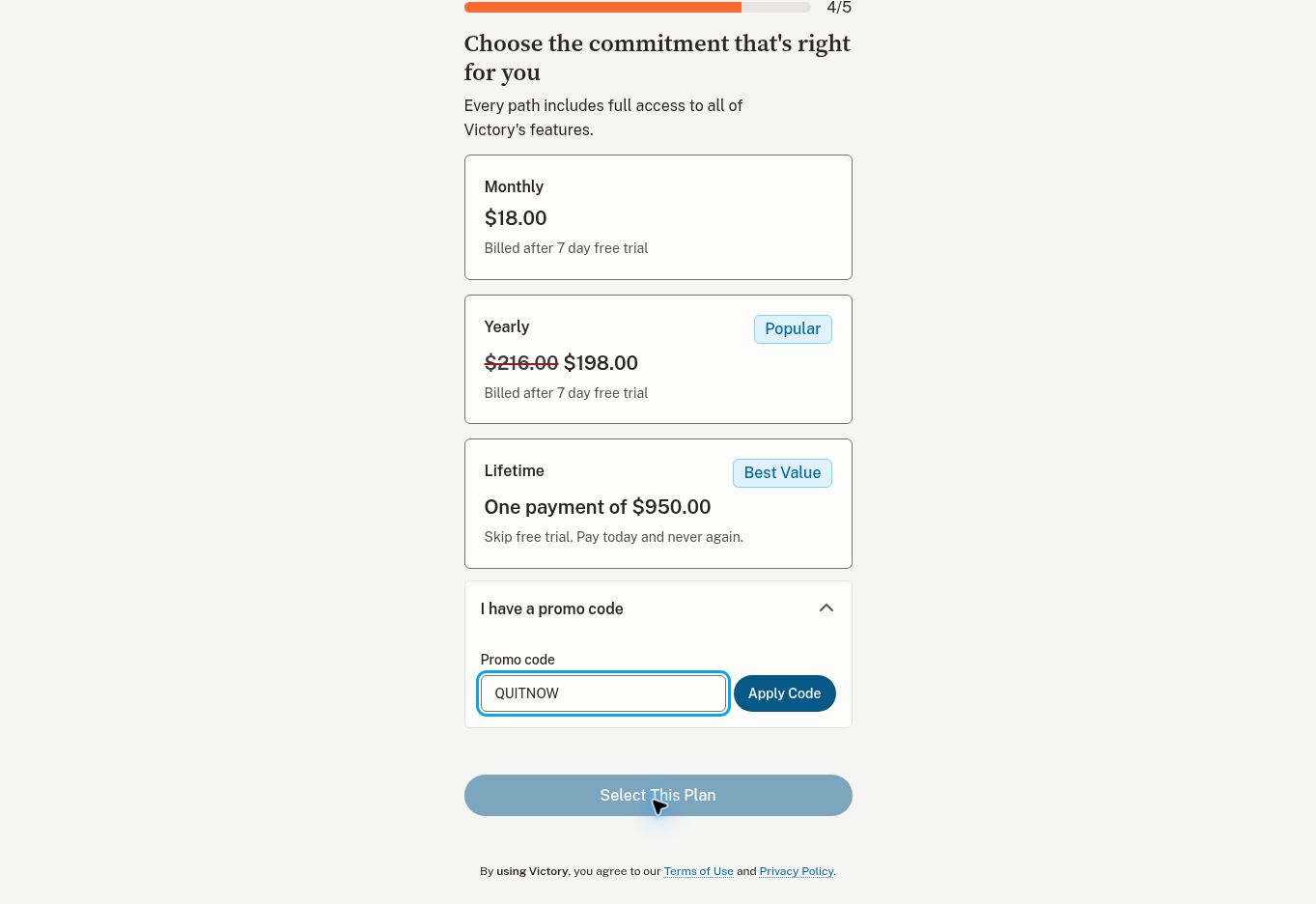
The promo-code field is on step 4 of 5, before payment details. 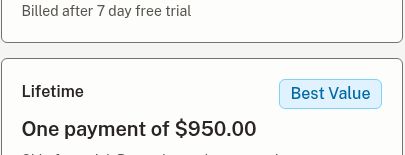
Enter QUITNOW without spaces, then select Apply Code. - Confirm the 30-day trial. In our live check, “Promo code QUITNOW applied!” appeared and both Monthly and Yearly changed to “Billed after 30 day free trial.”
- Select your plan and review payment terms. Step 5 requests payment and billing information. Check the amount due now and your next charge before agreeing to recurring payments. We stopped before starting a subscription.
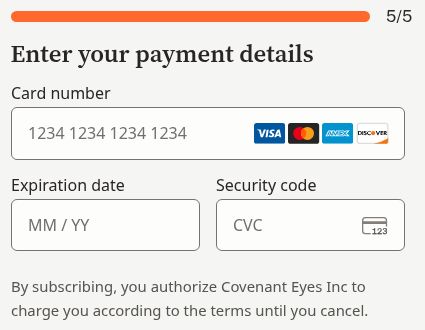
Card fields shown empty; no payment information was entered. 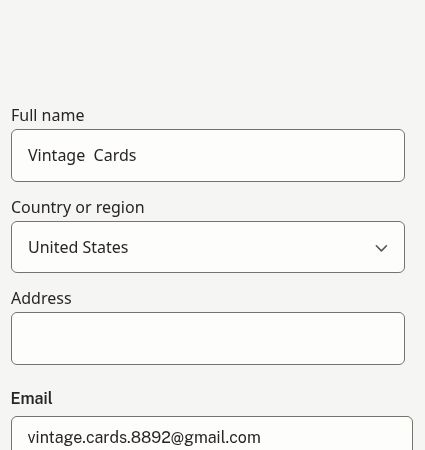
Example captured November 23: $0 until December 23, 2026, then $18 for the monthly plan. Your renewal date and applicable charges may differ.
What happens after the free trial?
This is a subscription offer. Covenant Eyes’ signup guidance explains that subscriptions continue and the selected payment method is charged after the trial period. Review the checkout for the current price and renewal date. You can cancel at any time, subject to the subscription terms.
The 30-day free-trial offer is separate from the company’s money-back guarantee. Do not assume every plan has identical refund terms. In particular, the official signup instructions say lifetime subscriptions are not refundable or transferable.
My experience reviewing accountability software
When I compared five accountability and blocking tools, I looked at two different needs: having someone you trust involved and adding guardrails to your devices. I recommended Covenant Eyes in that 2021 comparison for people looking for both accountability and filtering.
The point I keep coming back to is conversation. Software can support accountability, but it cannot do the work of being honest with someone or changing your habits for you.
Watch the Covenant Eyes section on YouTube
What to check before choosing
- Your devices: check what the current software monitors and filters on each operating system. Do not assume coverage is identical across apps and devices.
- Your trusted supporter: decide who will receive activity information and how you will talk about it.
- Your budget: review the actual renewal price before starting the trial.
Common questions about the free trial
Can I use QUITNOW in the iPhone or Android app?
Covenant Eyes says promo codes cannot be used when subscribing through Apple or Google in-app purchases. Start through the website if you want to use the code.
What if the code does not work?
Check that you entered QUITNOW without spaces and that you are using web checkout. If the offer still does not appear, ask Covenant Eyes support to check your eligibility. Do not complete a paid signup expecting the discount to be applied later.
Does QUITNOW have an expiration date?
No code expiration date has been provided to me. Offers and eligibility can change, so confirm the trial in checkout before subscribing.
A practical step, not a promise of instant change
Accountability software can be one part of a broader effort to change your habits and stay connected with people you trust. It does not replace your own choices, supportive relationships, or professional help when needed.
Official sources and offer checks
For the latest signup and subscription details, consult Covenant Eyes’ signup guide and the current product information.
Registration checked live on November 23, 2026 through the final payment screen. QUITNOW was accepted on the plan screen, and Monthly and Yearly displayed a 30-day free trial. The selected Monthly checkout displayed $18 after the trial. No purchase or subscription was completed.